
X
X Corp.News & Magazines
4.8796.81K Reviews
- Version
- 12.37.2-prod.01
- Installs
- 1.00B
- Age Rating
- Mature 17+
Screenshots
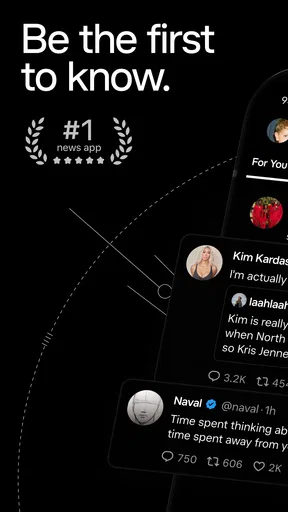
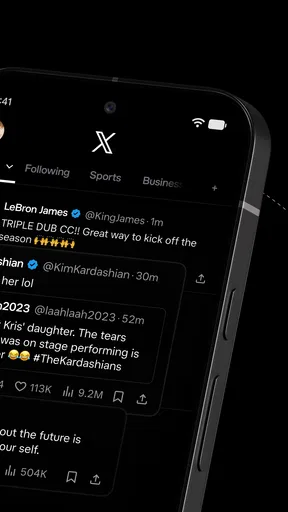

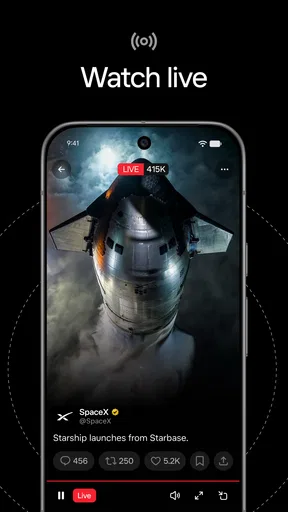
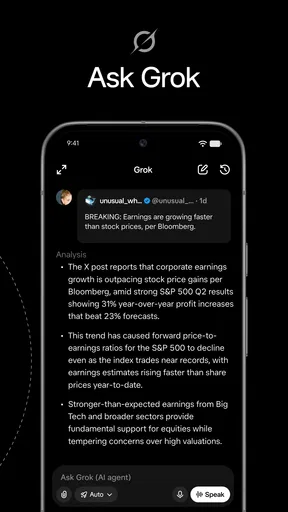
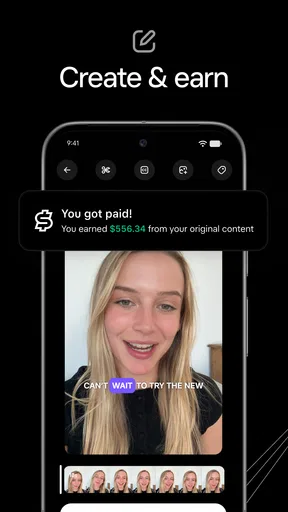
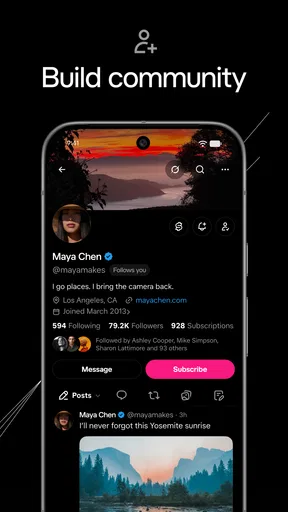
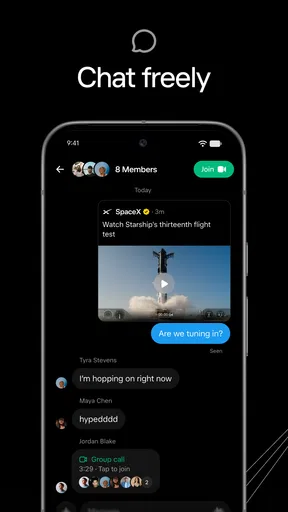
Our Review of X
 Analysis by Appyee
When I open X, I’m usually looking for one thing: a quick sense of what people are reacting to right now. Its defining strength is the way news and public conversation sit together in a live feed. That can make a developing story feel immediate, because updates, eyewitness observations, commentary, and links to reporting appear alongside one another. It can also make the experience noisy. I find X most useful when I treat it as a place to discover and follow a story, not as proof that every claim in the feed is accurate.
A live conversation, not a finished news report
X is a social media app in the News & Magazines category, developed by X Corp. Its appeal rests on a simple habit: open the feed, see what people are discussing, and decide which posts deserve a closer look. For breaking events, this can be faster and more varied than waiting for a single publication to update its homepage. People close to an event may share observations while journalists, organizations, and other users add context or point to more complete coverage.
The trade-off is built into that speed. A post can be timely without being reliable, and a confident explanation can spread before the underlying facts are clear. I try to separate “this is being discussed” from “this has been established.” When a post matters, I look for the original source, check whether independent reporting supports it, and pay attention to whether later posts correct or qualify the first account. X is strongest as a discovery layer; it is a weaker substitute for careful verification.
How I use the feed without letting it take over
In practice, I get more out of X when I arrive with a purpose. I might check a particular topic, follow a developing conversation, or look for links to coverage from sources I already know. If I scroll without a question in mind, the mix of headlines, opinions, jokes, and arguments can pull me far beyond the information I wanted. A small change in routine helps: decide what you’re checking, spend enough time to gather useful leads, then leave the app and read the original reporting elsewhere.
It also helps to keep different kinds of posts mentally separate. A first-person account can offer a useful detail, but it may represent only one view. A clip or image can be compelling, but the surrounding post may not establish when or where it was made. A popular interpretation is still an interpretation. I find that asking “What does this post actually show?” is more useful than immediately accepting the accompanying explanation.
A realistic use case: following a story during the day
Imagine I hear about a major local disruption while heading to work. I can open X to see whether people are discussing what happened, whether anyone is sharing practical observations, and which news organizations are covering it. That can give me a fast starting point while I’m away from a television or a news site. If I spot a claim that affects a decision—whether to change my route, for example—I would seek confirmation from a dependable source rather than act on a single post.
Later, when I have a few minutes, I can use the feed to find different angles and then open the most useful linked coverage. That sequence matters: X helps me locate the conversation, while a full article or an official update can provide background and a clearer account. For a user who wants only a concise, edited briefing, this is more work than opening a newspaper or news app. For someone who values immediacy and wants to see reactions as well as headlines, it can be a worthwhile first stop.
What to expect from the broader experience
The app has a 3.6 average from around 23 million ratings, and it has been installed over a billion times. Those figures suggest that X is a familiar part of many people’s online routines, but popularity doesn’t make its feed a good fit for everyone. It is free to download, carries a Mature 17+ age rating, and offers in-app purchases ranging from $0.99 to $490.00 per item. I’d treat those purchases as optional choices rather than a requirement for simply reading public discussion.
X has been available since April 30, 2010, and its current version is 11.97.1-release.0. The minimum operating-system requirement is version 9. Before installing, I’d check that my device meets that requirement and consider whether an open social feed is appropriate for the person using it. The mature rating is a meaningful reminder that the conversation can include heated disputes and material some users would rather avoid.
Where it fits beside news apps and websites
Compared with a conventional news app, X is less like a carefully arranged edition and more like a constantly changing public noticeboard. A news publication can make it easier to follow a coherent report, see editorial context, and move through a story in a deliberate order. X can surface reactions, new leads, and competing interpretations quickly, but the reader has to do more work to judge what belongs together and what is trustworthy.
I wouldn’t use X as my only news source if I wanted a calm, balanced overview with minimal effort. A newspaper app, a broadcaster’s site, or a focused news aggregator is usually a better choice for that. On the other hand, those alternatives may not show the same range of immediate public reaction. For me, the useful combination is to use X to notice what people are talking about, then rely on established reporting and primary sources to understand what happened.
Small habits that make the feed more useful
One practical habit is to pause before sharing a striking post. I check whether it links to a source, whether the linked material supports the claim, and whether the post itself distinguishes fact from opinion. That brief check can prevent a dramatic but incomplete claim from becoming part of someone else’s feed. It also keeps me from confusing a fast-moving discussion with a settled account.
Another useful approach is to stop treating every popular topic as equally relevant. A trending conversation may be entertaining or informative, but it may not answer the question I came to ask. I try to follow the thread that offers the best context rather than opening every reaction. When a conversation turns into repeated speculation or personal attacks, leaving it is often more productive than waiting for it to become clearer.
Who will get the most from X
I think X suits readers who like to keep an eye on unfolding events, enjoy seeing public reactions, and are comfortable checking sources for themselves. It can also help people who want to follow a particular subject or hear how different participants describe the same moment. The benefit is not that the feed guarantees a complete picture; it is that it can expose useful leads and viewpoints quickly enough to guide further reading.
It is a poorer fit for anyone who wants news to arrive in a quiet, finished, and consistently curated package. It may also frustrate people who find fast-moving arguments stressful or who do not want to spend time separating a firsthand observation from speculation. If that describes you, a traditional news app or a few carefully chosen publications may feel more dependable and easier to manage. If you do use X, I’d decide what you want from it before making it part of every idle moment.
For a straightforward trial, I’d start by checking a topic I already understand and comparing the feed’s claims with fuller reporting. That makes it easier to notice the difference between a helpful lead and an unsupported conclusion. I’d also think about whether I want to participate in public discussion or mainly read; those are different ways to use the same stream, and the second can be a better starting point for someone unsure about the atmosphere.
My bottom line is that X is valuable when I use its speed deliberately. It can put a developing conversation in front of me quickly, but it does not remove the work of checking context, weighing claims, or choosing when to stop scrolling. I’d recommend it to someone who wants an immediate pulse on public discussion and is willing to verify what they see. If you want a polished briefing that does the filtering for you, I’d choose a conventional news source instead.
When it comes to productivity apps, we often find ourselves juggling between endless to-do lists and scattered notes. Enter Notion, the all-in-one workspace that promises to revolutionize how you organize your life. I've given this app a spin, and I'm here to spill the beans on whether it's worth your time. Let's dive in!
Getting Started with Notion
First things first, downloading Notion is a breeze. Available on both Android and iOS, it’s free to get started, with options for premium upgrades. Once you've got it installed, you're greeted with a sleek interface that's as clean as a whistle. The onboarding process is super smooth, guiding you through the basics without overwhelming you.
Customization at Its Best
One of the standout features of Notion is its customization capabilities. Whether you're a student, professional, or a creative soul, Notion molds itself to fit your needs. You can create pages for everything from project management to personal journals. The app uses blocks, which are essentially building units you can customize to your heart’s content. Text, images, tables, and even embedded files are all at your fingertips.
Another cool thing? Templates! Notion offers a plethora of templates that make setting up your workspace a piece of cake. Want a habit tracker or a reading list? There's a template for that. You can tweak these templates or start from scratch if you’re feeling adventurous.
Collaboration Features
Let’s talk about collaboration. If you’re part of a team, Notion shines here. You can invite team members to your workspace, assign tasks, and even leave comments on shared documents. It's like having a virtual meeting room where everyone’s ideas come together seamlessly. And with real-time synchronization, you’ll never miss a beat.
Integrations and Functionality
Notion doesn’t just stop at being a standalone tool. It plays nicely with others. You can integrate with apps like Google Calendar, Trello, and Slack, making it a hub for all your digital activities. This connectivity keeps everything under one roof, reducing the dreaded app-switching fatigue.
What’s more, Notion is available offline. So, even if you’re on a flight or stuck in a remote area without Wi-Fi, your work doesn’t have to come to a halt. It’s designed to keep you productive anytime, anywhere.
User Experience
Now, let’s get real about user experience. Notion is incredibly intuitive, but it does come with a bit of a learning curve. The endless customization options can be a double-edged sword. While seasoned users might find it liberating, newbies might feel a tad overwhelmed initially. But, once you get the hang of it, it’s smooth sailing.
Another thing to note is its visual appeal. The app is modern and minimalistic, which means it doesn’t distract you with unnecessary frills. Everything is where you'd expect it to be, and navigation feels natural.
The Verdict
So, is Notion worth a spot on your home screen? In my opinion, absolutely. It’s a powerhouse of a productivity tool that adapts to your lifestyle, whatever that may be. Whether you’re managing a team or just trying to keep track of your own life, Notion offers the flexibility and functionality that most apps can only dream of.
In the end, it might not be everyone’s cup of tea right out of the box, but give it a little time, and you might just find it’s the organizational tool you never knew you needed. Ready to give it a go? Head over to the app store and see for yourself!
Privacy and Permissions
See what permissions an app requests and how it handles your data.
- Identity
- find accounts on the device, add or remove accounts
- Contacts
- find accounts on the device, read your contacts
- Location
- approximate location (network-based)
- Phone
- read phone status and identity
- Photos/Media/Files
- read the contents of your USB storage, modify or delete the contents of your USB storage
- Storage
- read the contents of your USB storage, modify or delete the contents of your USB storage
- Camera
- take pictures and videos
- Microphone
- record audio
- Wi-Fi connection information
- view Wi-Fi connections
- Device ID & call information
- read phone status and identity
- Other
- view network connections, create accounts and set passwords, pair with Bluetooth devices, change network connectivity, full network access, change your audio settings, run at startup, draw over other apps, use accounts on the device, control vibration, prevent device from sleeping
Verdict
Strengths of X
- User-friendly interface makes navigation easy.
- Offers a wide variety of customization options.
- Regular updates ensure new features and fixes.
- Seamless integration with other popular apps.
- Efficient performance with minimal lag.
Limitations of X
- Requires a stable internet connection for full functionality.
- Limited features available in the free version.
- Ads can be intrusive during use.
- High battery consumption on older devices.
- Occasional crashes reported on Android.
Similar Picks in This Category
View All
Google News - Daily Headlines
Google LLC4.0

Flipboard:Your Social Magazine
Flipboard3.4

Opera News: breaking & local
Opera4.5

Hindi News by Dainik Bhaskar
Dainik Bhaskar Group4.0

Way2News Daily News App
Way2News ( Formerly Way2SMS )4.6

SmartNews: Live News & Rewards
SmartNews, Inc.3.8
You May Also Like
View All

Frequently Asked Questions
What is the primary feature of the app?
The app offers a comprehensive platform for managing daily tasks, enhancing productivity through integrated calendars, reminders, and note-taking capabilities. Users can customize their dashboards and sync across multiple devices, ensuring seamless accessibility and organization of tasks, whether for personal use or professional projects.
Is the app available on both Android and iOS platforms?
Yes, the app is available for download on both Android and iOS platforms. Users can find it in the Google Play Store and Apple App Store, ensuring a wide range of compatibility with various devices. Regular updates ensure that the app remains functional and secure on all supported platforms.
Does the app require a subscription or any in-app purchases?
The app offers a free version with basic features accessible to all users. However, for more advanced functionalities, there is a premium subscription available. This includes features like advanced analytics, additional customization options, and priority customer support. Users can opt for monthly or annual plans.
How user-friendly is the app for beginners?
The app is designed with an intuitive interface, making it user-friendly for beginners. It includes a guided tutorial upon first launch, helping users navigate its features effortlessly. Additionally, there are helpful tips and a comprehensive FAQ section within the app to assist new users in maximizing their experience.
What permissions does the app require upon installation?
Upon installation, the app requests permissions for access to your calendar, contacts, and storage. These permissions are essential for syncing tasks and storing data. Users have the option to adjust these permissions in their device settings, and the app ensures that all data is handled with strict privacy protocols.
